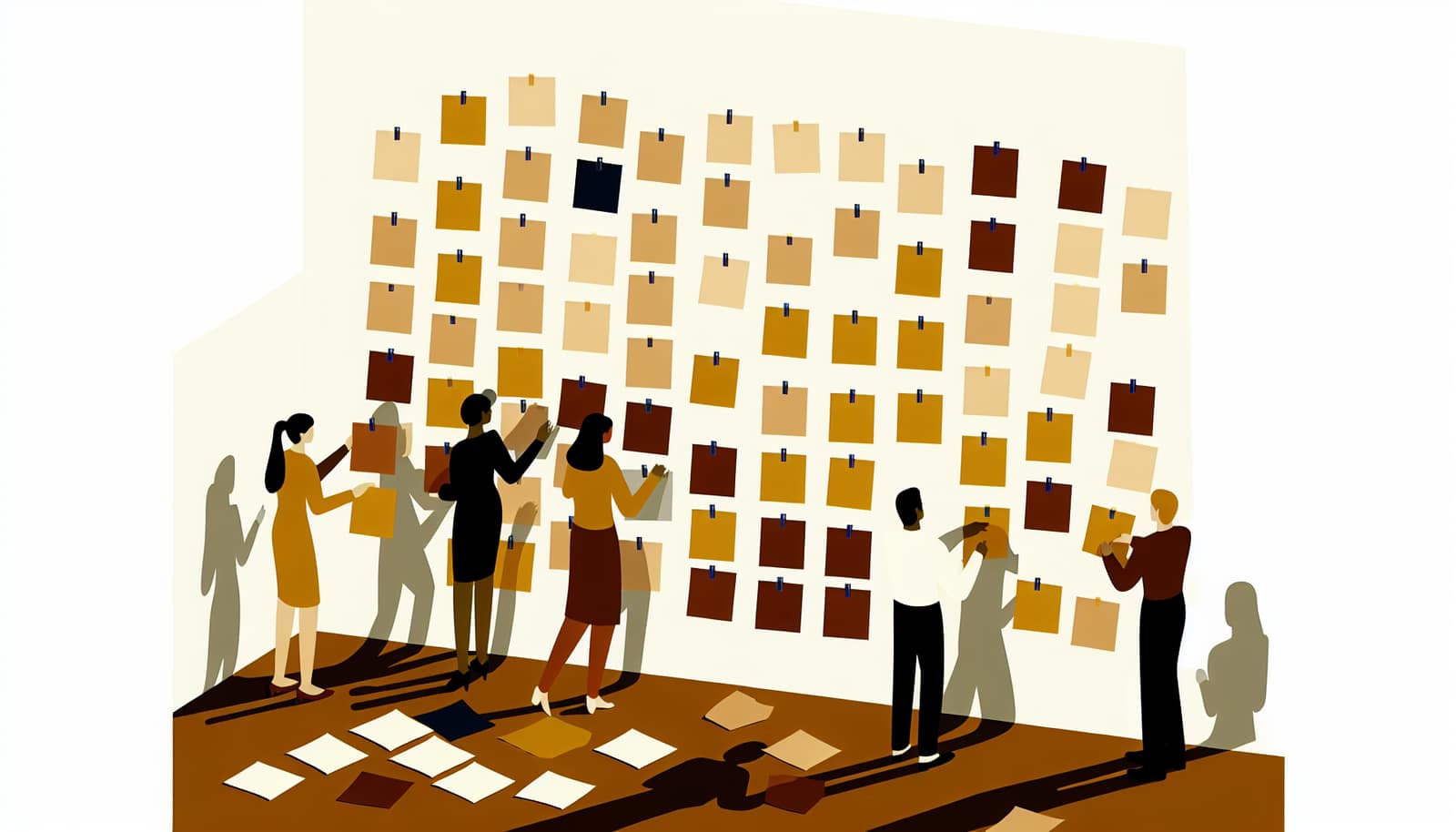
Affinity Map
Affinity Mapping is a technique used to organize ideas and data into meaningful clusters. It is ideal for identifying patterns and themes within a large set of information, making it useful for brainstorming follow-up sessions where categorization is needed.
Facilitation script
- 1
Write the central question at the top of a flip chart and explain what a good note looks like: one idea per sticky note, written legibly, no discussion yet.
5 min - 2
Run silent idea generation: each participant writes ideas on sticky notes, one idea per note, for the full 10 minutes without talking.
10 min - 3
Collect all notes and post them on a wall or board where everyone can see and reach them.
5 min - 4
Sort the notes into clusters as a group: participants move related notes together without naming the clusters yet. Set up a parking lot for notes that fit nowhere.
15 min - 5
Label each cluster with a category name the group agrees on — the label should describe the relationship between the notes, not just repeat the loudest one.
10 min - 6
Review the finished map together: revisit the parking lot, merge or split awkward clusters, and agree what happens next with each theme.
5 min
Tips
Ensure participants understand the importance of identifying relationships among ideas.
Encourage them to focus on grouping rather than labeling initially.
Manage the balance between too many or too few categories to maintain clarity in analysis.
Common pitfalls
Letting participants label clusters before grouping is finished — early labels anchor the sorting and notes get forced into named buckets instead of natural relationships
One confident participant sorting while everyone else watches — the map ends up reflecting a single mental model and the group never owns the categories
Ending with dozens of two-note clusters or three giant catch-all clusters — both extremes destroy the analytical value; steer toward a balance the group can actually discuss
Forcing every note into a cluster instead of using the parking lot — outliers distort the categories and genuinely unclassifiable signal gets buried
Allowing talk during the silent generation phase — early spoken ideas anchor the room and the total note count drops sharply
Variations
Consider running the activity twice to explore different perspectives on how ideas can be grouped. This can reveal less obvious relationships and patterns. Run virtually using digital sticky notes (Miro, FigJam) with simultaneous movement. Combine with dot voting on the cluster level to prioritise themes rather than individual items.
Where it fits
When to use it
A brainstorm has produced 20 or more sticky notes and the group needs structure before it can discuss anything
You are synthesizing qualitative data — user interviews, survey comments, retrospective input — and need themes to emerge from the data itself
The team needs a shared understanding of a messy problem space before it can define the problem
Categories are unknown up front and should emerge bottom-up rather than be imposed by the facilitator
You want the whole group involved in sense-making instead of one analyst summarizing afterwards
When not to use it
The list is short — under roughly 15 items, a brief structured discussion is faster than a full clustering exercise
Categories are already fixed — sorting directly into a predefined grid such as an Impact/Effort Matrix gets there with less ceremony
You need a ranked decision rather than themes — run Dot Voting on the options instead
You are exploring a single idea in depth — a Mind Map radiating from one central concept fits better than clustering many discrete notes
You have less than 10 minutes — rushed clustering skips the group discussion where the actual insight surfaces
Related methods
Further reading
Frequently asked questions
What is an affinity diagram?▾
An affinity diagram (also called an affinity map or KJ method) is a technique for organizing a large set of ideas, observations, or data points into clusters based on their natural relationships. Participants write items on sticky notes, group related notes together, and label each cluster, turning an unstructured wall of input into a small number of discussable themes. It is a standard follow-up to brainstorming and a core tool in user research synthesis.
When should you use affinity mapping?▾
Use it whenever a group has generated more raw input than it can discuss item by item — typically 20 or more sticky notes from a brainstorm, user interviews, or a retrospective. It works with 1 to about 20 participants and takes 10–90 minutes depending on the volume of notes. If you already know the categories, sort directly into them instead; affinity mapping earns its time when the themes need to emerge from the data.
What is the difference between an affinity map and a mind map?▾
A mind map radiates outward from one central concept, expanding a single idea into branches. An affinity map works in the opposite direction: many discrete notes exist first, and structure emerges bottom-up by grouping them. Use a mind map to explore one topic in depth, and an affinity map to make sense of a large pile of unstructured input.
How many groups should an affinity diagram have?▾
There is no fixed number, but both extremes fail: dozens of two-note clusters give no synthesis, and a few giant catch-all clusters hide the patterns. For a typical wall of 30–100 notes, aim for roughly 5–10 clusters plus a parking lot for notes that genuinely fit nowhere, and let the group agree on each label rather than having the facilitator impose them.
Can you do affinity mapping remotely?▾
Yes — digital whiteboards such as Miro or FigJam replicate the format well: participants add digital sticky notes and move them into clusters simultaneously. Keep the same discipline as in person: silent generation first, grouping before labeling, and a parking lot for misfits. Combining the finished map with dot voting at the cluster level is an easy way to prioritize themes remotely.
Plan your next workshop with AI
Workshop Weaver helps you combine methods like Affinity Map into a complete, timed agenda in minutes.
Try it freeMethod descriptions on Workshop Weaver are original content written by our team, based on established facilitation practices. This method was inspired by work from Gamestorming.